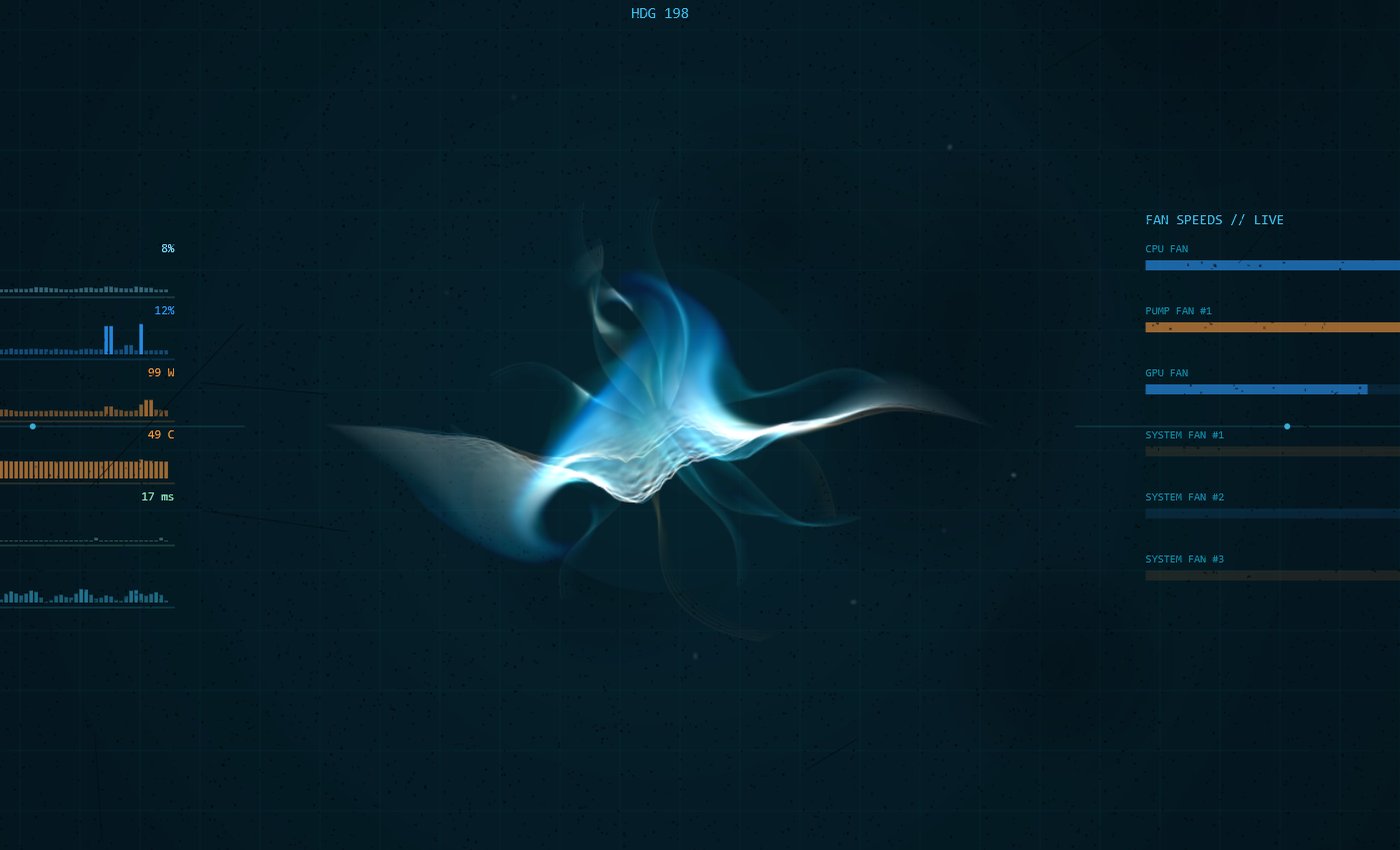
Tony Stark had a billion dollars and a genius brain. I had a Claude chat and about 120 hours.
Win11 · v1.48 · about 40 MB · Apache-2.0 · fork of OpenJarvis
Two free apps I vibe coded with Claude, both with the same Iron Man HUD look. They run on your own PC: no cloud, no account, and your data never leaves the machine.
Tony Stark had a billion dollars and a genius brain. I had a Claude chat and about 120 hours.
Win11 · v1.48 · about 40 MB · Apache-2.0 · fork of OpenJarvis
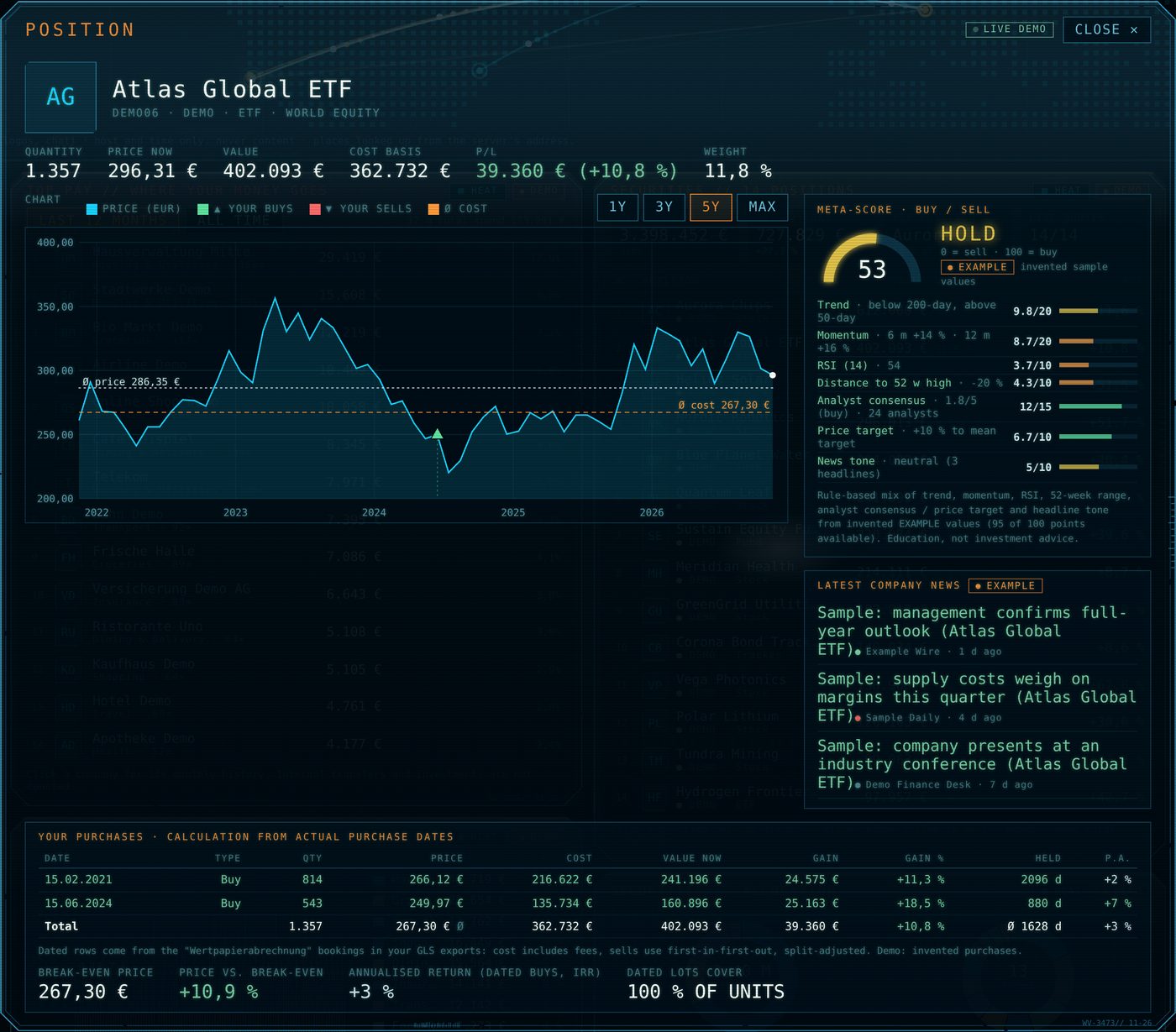
Your whole portfolio in one Iron-Man-style dashboard. Local-first, read-only, no cloud.
Win11 · v1.18 · about 3.1 MB · MIT · tested in Germany only

A free, full-screen, voice-controlled AI assistant for Windows 11 that runs entirely on your own PC. A fork of OpenJarvis with the HUD, voice, smart-home tools and an installer added on top.
Win11 · v1.48 · about 40 MB · Apache-2.0 · fork of OpenJarvis
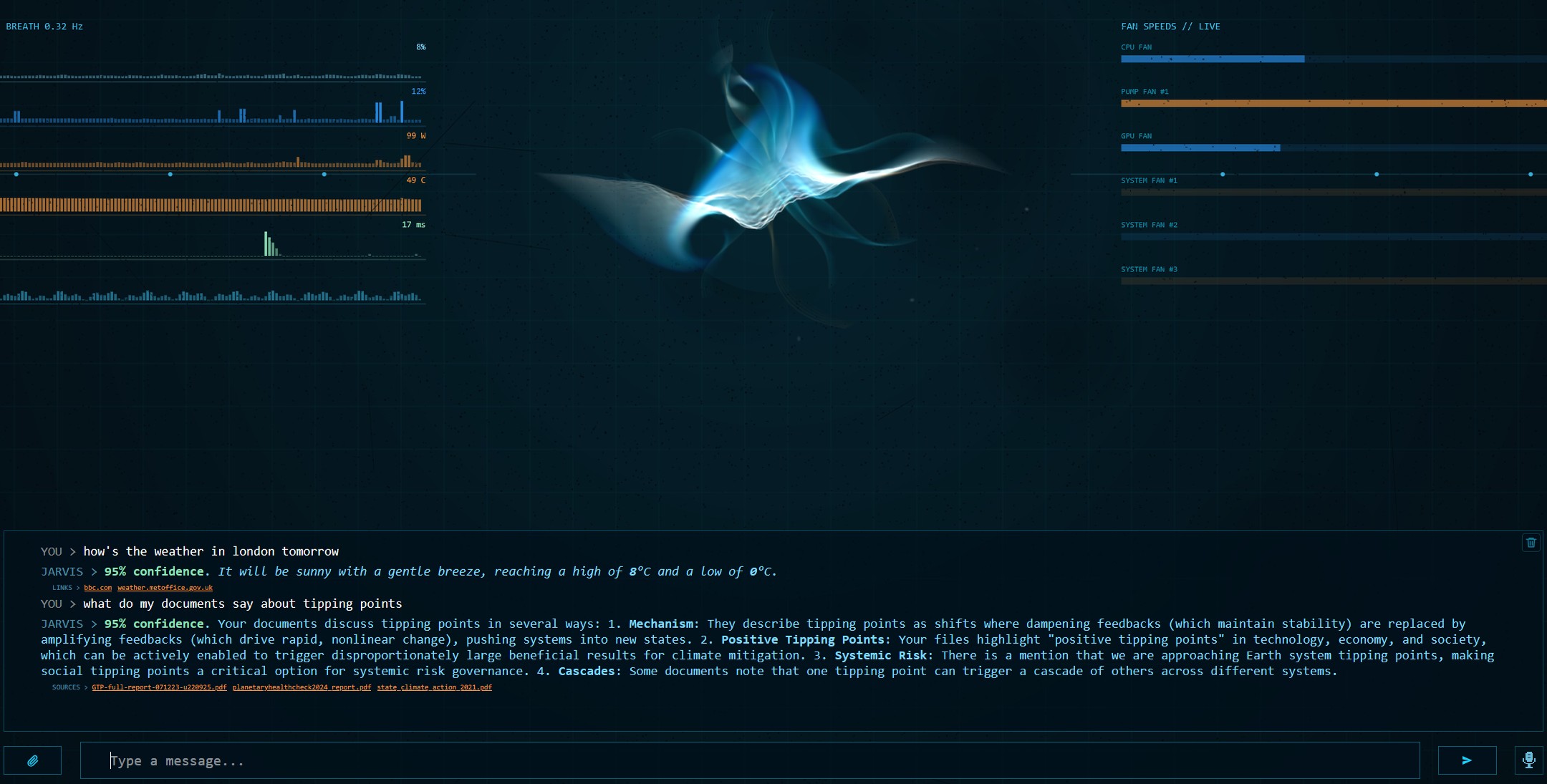 Talk to it, with confidence shown
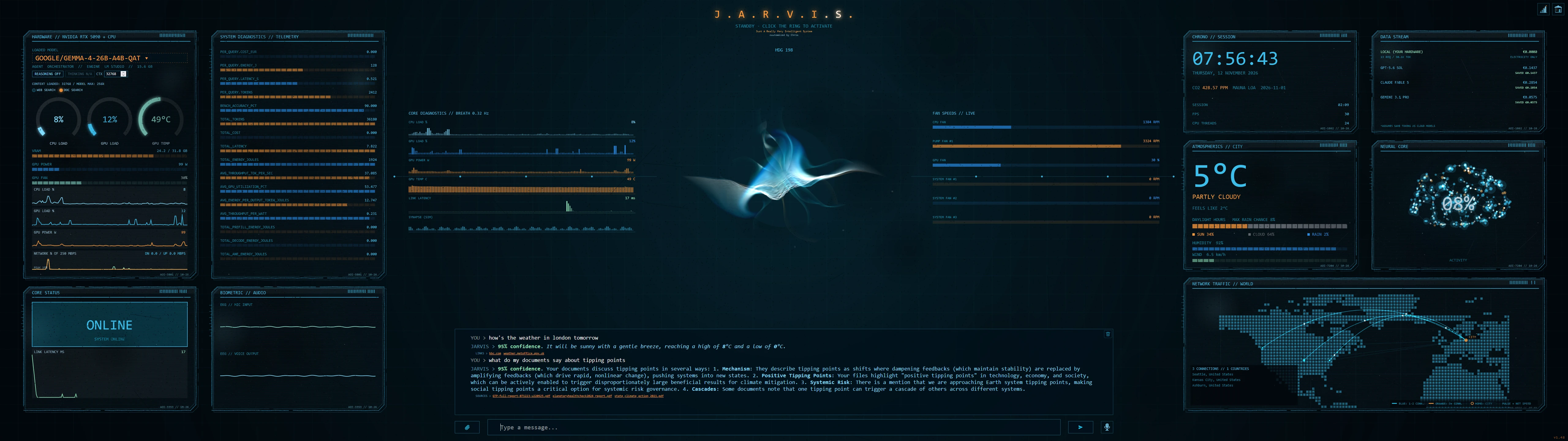
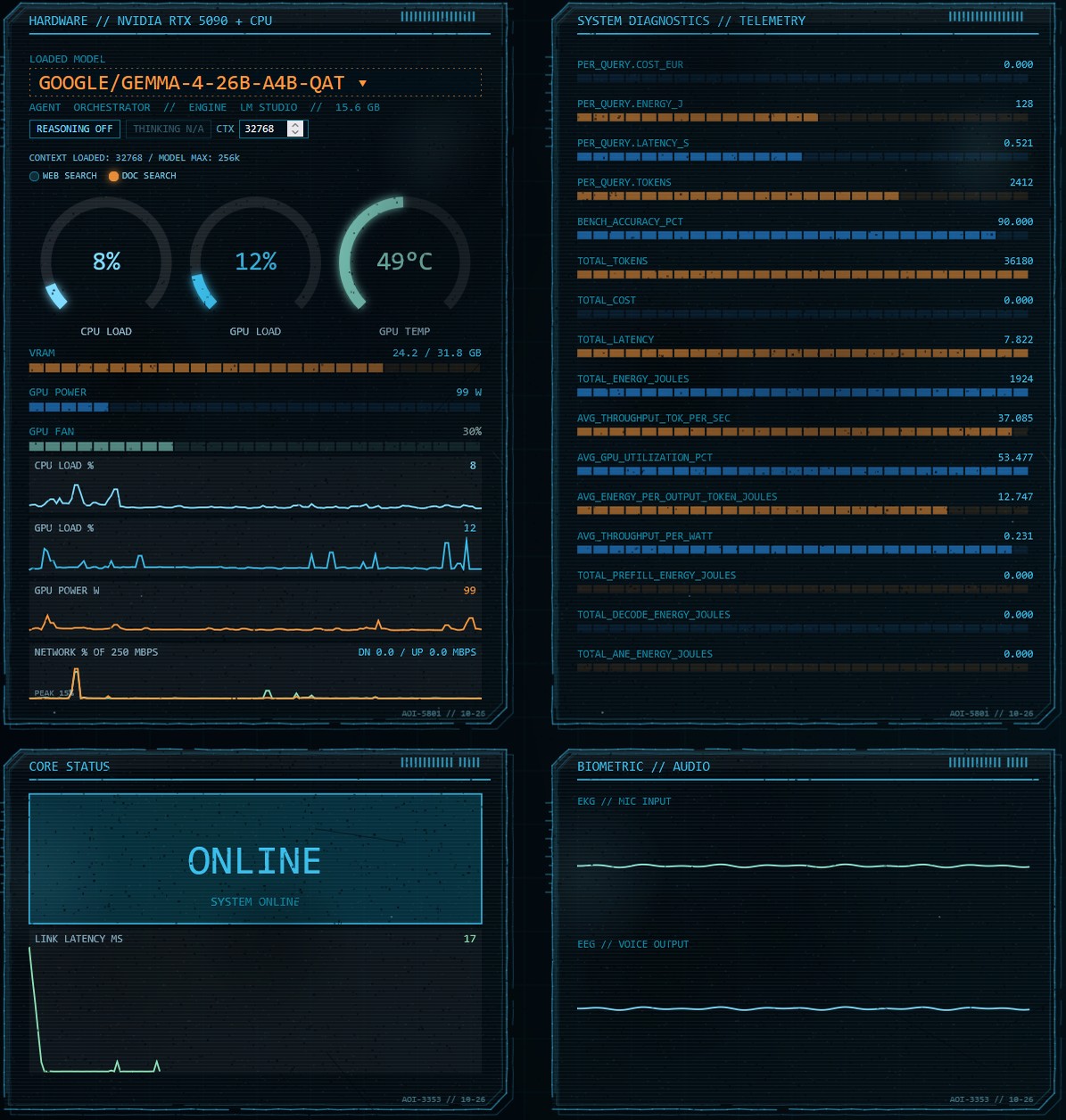 Hardware and telemetry
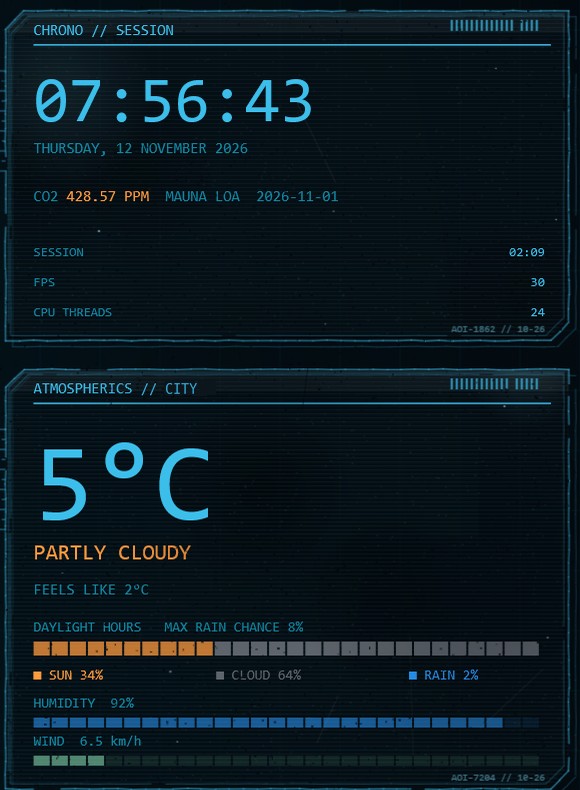 Clock, CO2 and weather
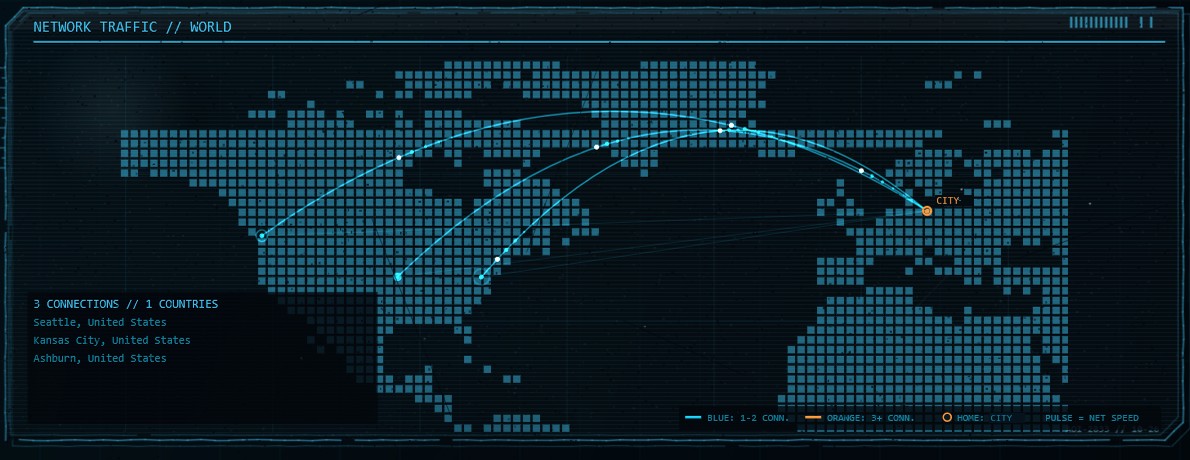 Network connections map
Live GPU/CPU gauges, telemetry, weather, CO2, a world map of your network connections and a voice-reactive vortex brain. Phone layout included.
Say "Hey Jarvis" or press F6; Esc stops it. Local speech recognition (faster-whisper) and voice (Kokoro or Chatterbox), chosen for your PC by the installer.
The AI runs on your PC through LM Studio. No cloud AI, no account. Switch model, context size and reasoning inside the HUD.
Philips Hue lights, Tado heating and a Sonos speaker (optional). Every change is read back, so Jarvis cannot just claim it worked.
Tell it "my car is a blue Beetle" and it still knows in the next chat. Stored only on your PC.
Every answer shows its confidence %, predictions are in italic, and two lights show whether web or document search was used.
What the same tokens would have cost on cloud models.
Upstream analytics are switched off and all ports listen on 127.0.0.1 only.

Bank accounts, securities, crypto, private equity and real estate in one live dashboard that runs on your own PC. Your files are read, never changed, and your balances never leave the machine.
Win11 · v1.18 · about 3.1 MB · MIT · tested in Germany only
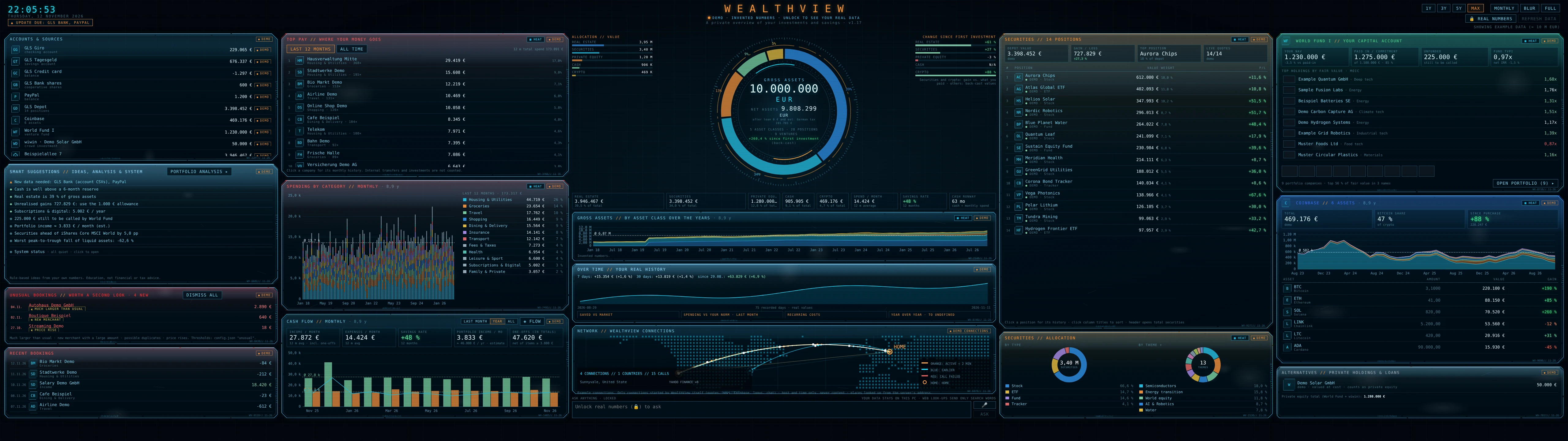
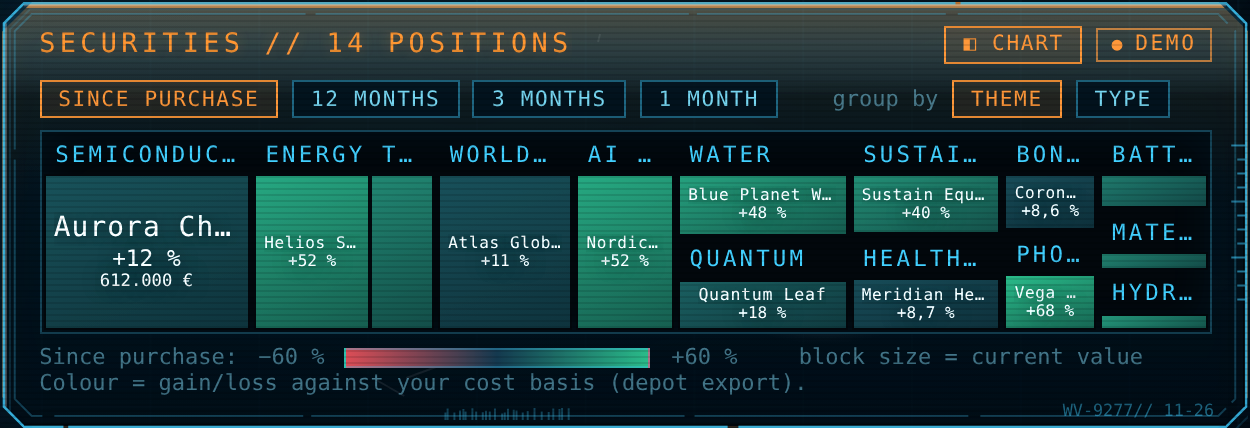 Heatmap
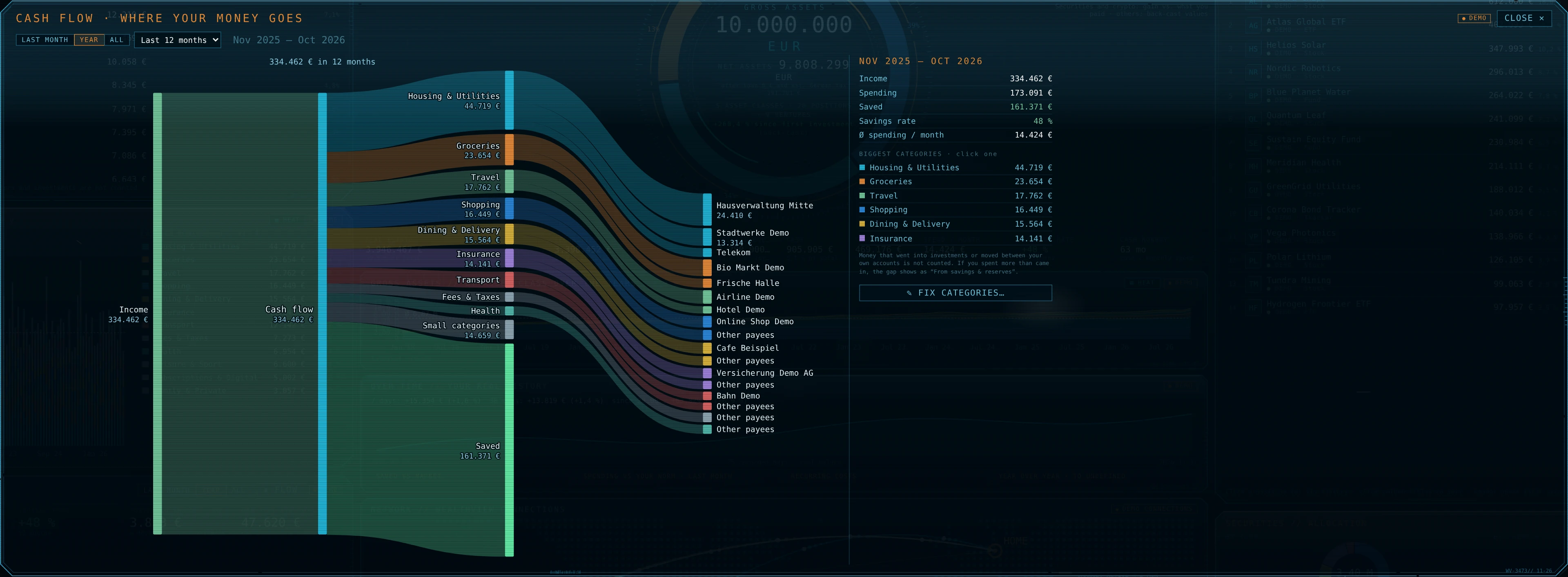 Cash flow Sankey
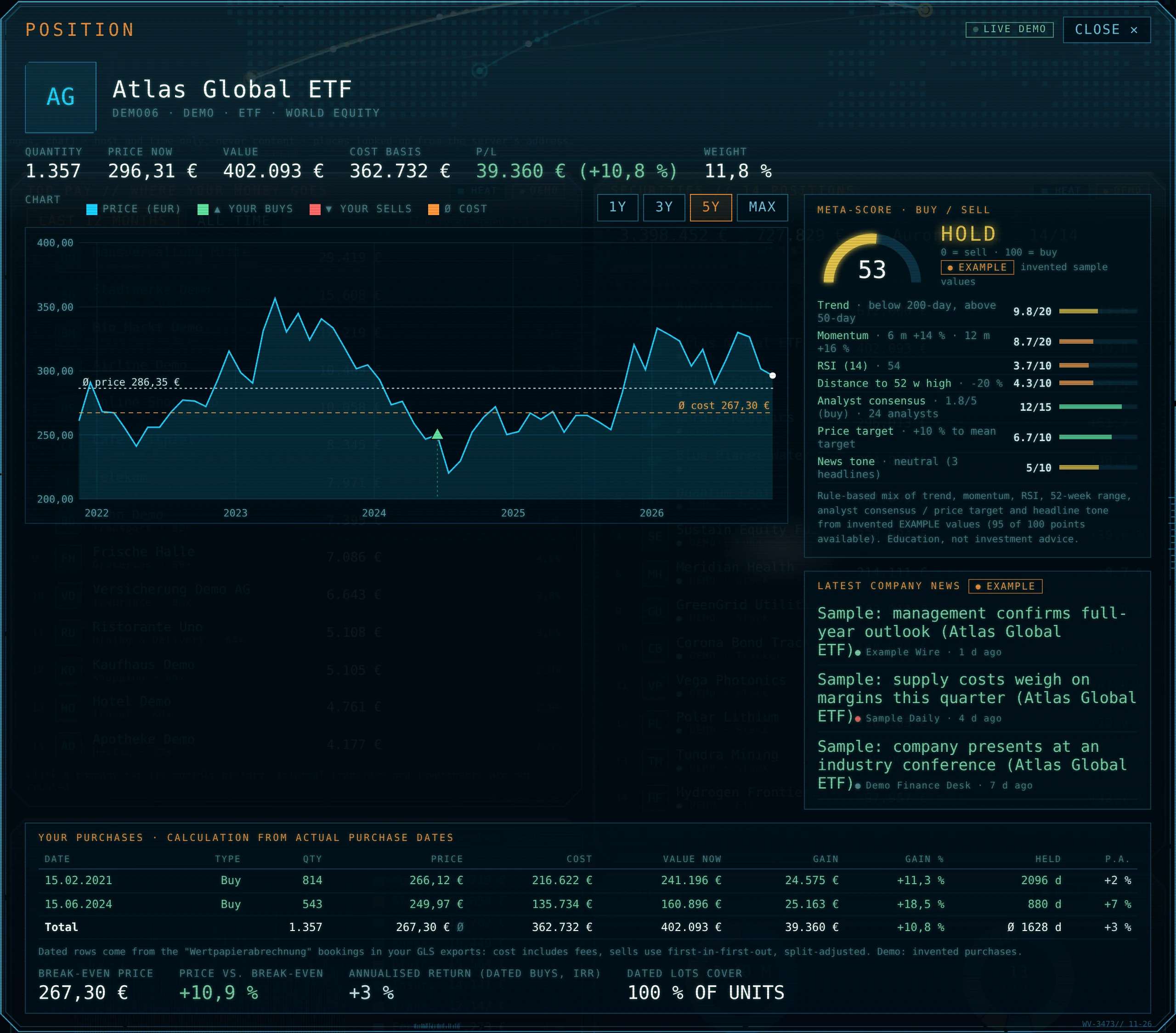 Position pop-up
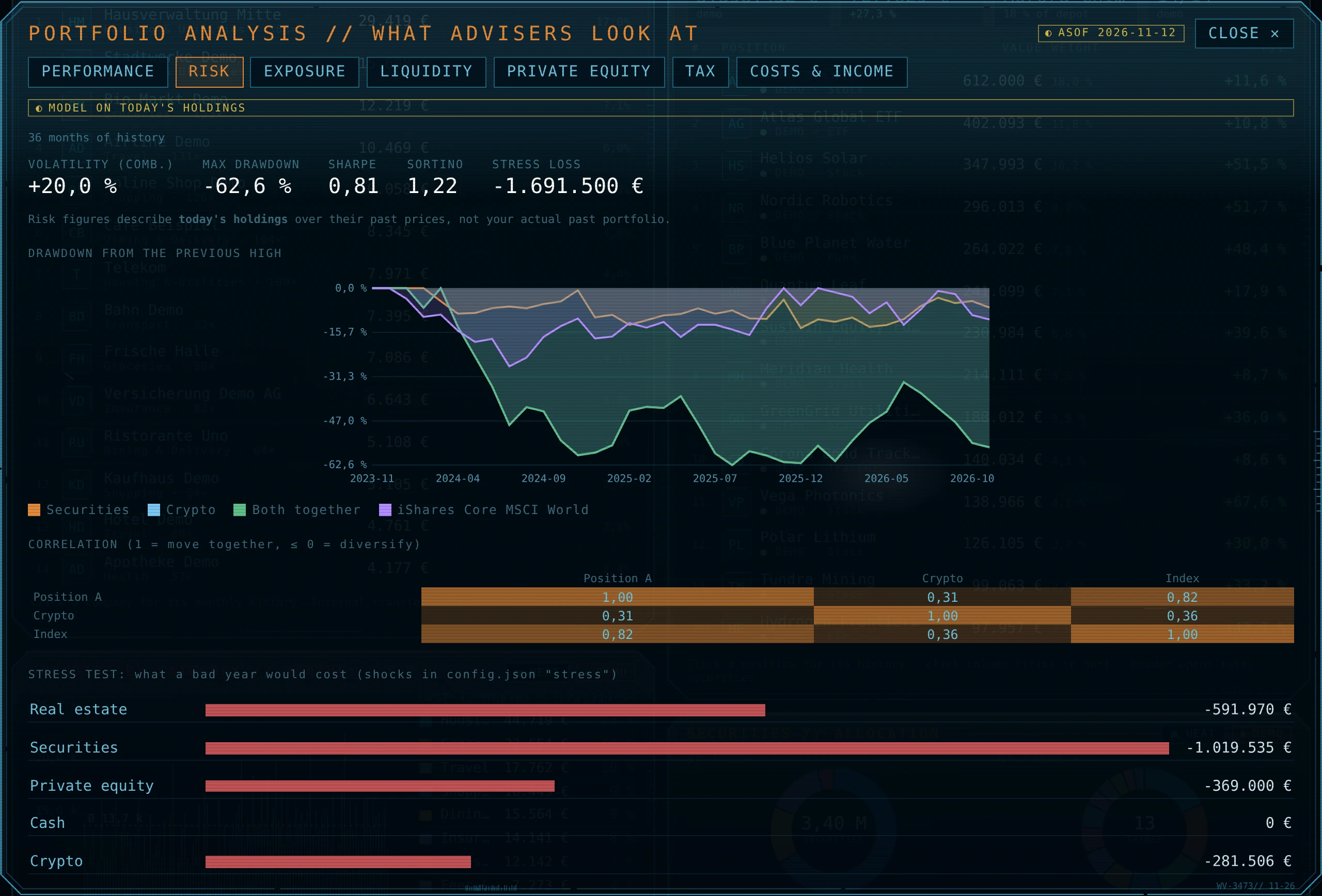 Risk and stress test
A live ring, with change since first investment per asset class.
Daily recorded history, saved-vs-market split, spending against your own norm, recurring costs.
Positions, buys and sells on the price chart, rule-based meta-score, news; allocation by type, theme, country, sector, currency.
Venture-fund capital account and company pop-ups, crowd investments valued at cost.
Coinbase balances with FIFO cost basis (view-only API key).
Categories you can fix with editable rules, Sankey pop-up, unusual-booking alerts.
Performance, risk, exposure, liquidity, tax (Germany), costs and income.
Questions answered by a local model (LM Studio) that writes read-only queries.
Blur your numbers with one key; keyboard shortcuts for refresh and fullscreen.
Notes: Local AI is a countervailing technology (Samuele Marro): it moves power back towards the little guy. Nobody can switch it off, charge for it or read along. These two projects are my little crossbows.
I am not a developer. These are my first GitHub projects, vibe coded with Claude Pro. Any questions, please contact me - any issues please post on the respective GitHub page:
J.A.R.V.I.S.: Issues · Discussions · WealthView: Issues · Discussions
I hope you will enjoy these apps...